Amalie Piil Tarding
Game Developer
WorkDPlays – Slagterispillet
Project resume:
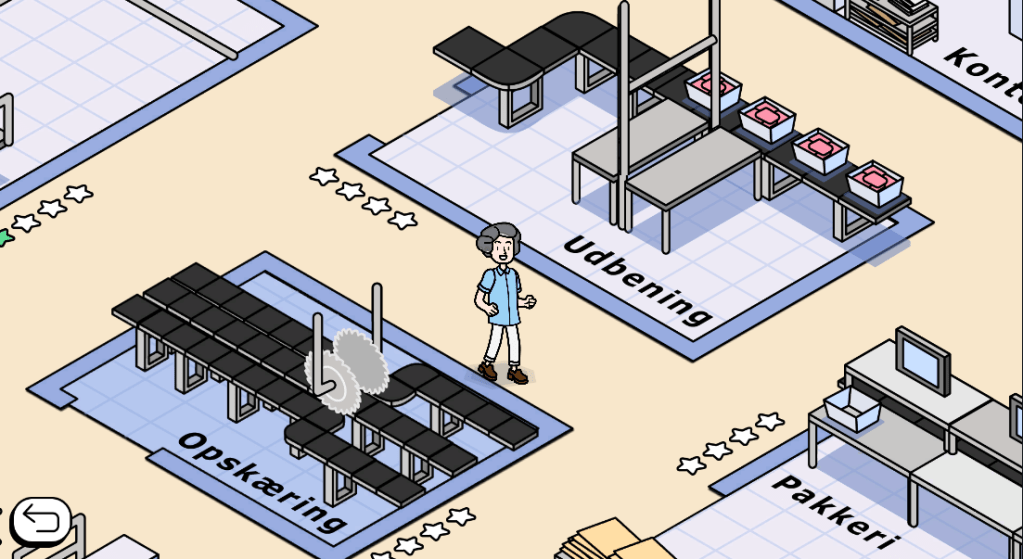
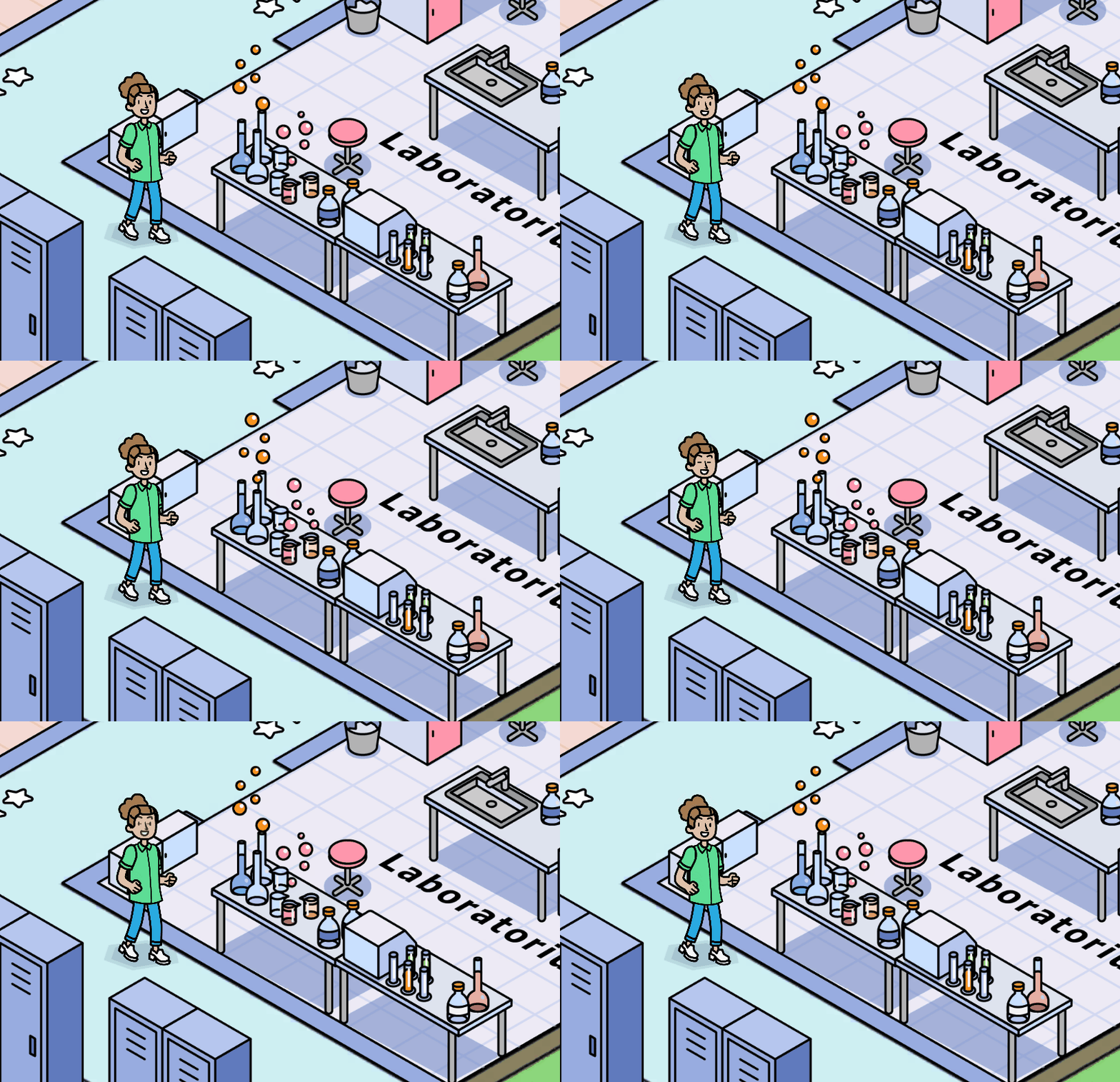
WorkDPlays – Slagterispillet is a game designed to teach Danish to non-Danish-speaking employees working at Danish slaughterhouses. By playing four different mini-games, players learn words associated with the tasks that a slaughterhouse employee needs to perform. By exposing players to the same words multiple times in a gamified setting, the idea is that employees will remember them better, making it easier for them to work in a Danish-speaking environment.
Involvement:
Role: Programmer
Responsibilities: I was the main programmer on this project. I implemented four different mini games accessible from four different rooms on a map. When implementing the mini-games, I used lists of ScriptableObjects that spawn randomly depending on which level the player has reached. To continue to the next level, the player needs to achieve a certain amount of coins. Each mini game has different functionality and they will be described in detail below. The game also includes a customization shop where the player can use the earned coins to buy clothing items. Additional functionality is described below the mini games descriptions. For localization, I used Unity’s Localization system.
First minigame game: Tasks From Mester
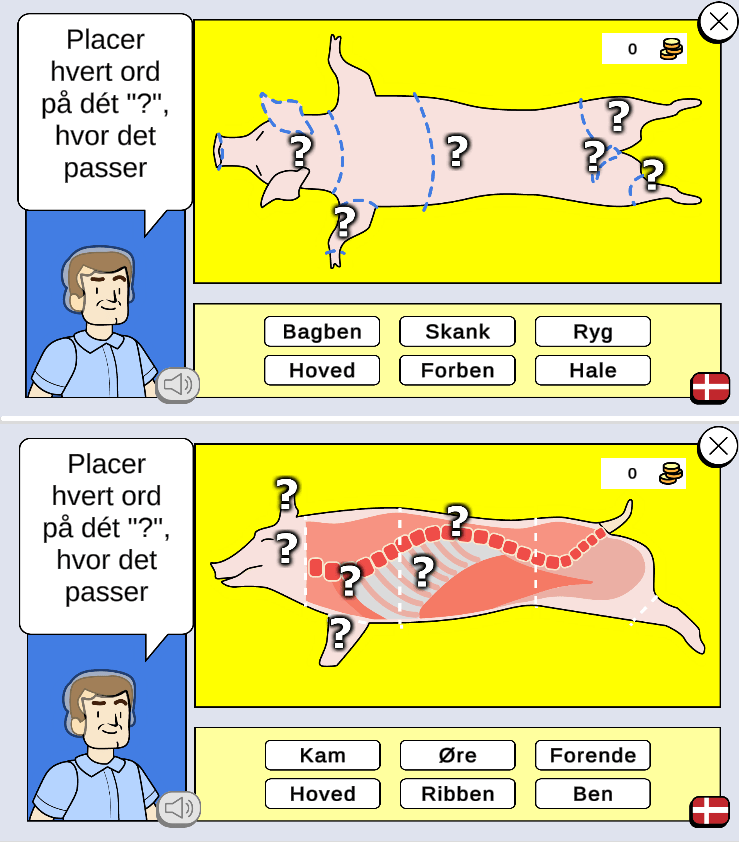
This minigame is a drag-and-drop game where you match a word with an item in a picture. There is a different picture for each level, and they are all related to the work that the employee will do in the slaughterhouse. The first background is an image of a pig, where the player will then drag a word to the correct body part of the pig. When the word is dragged to a questionmark, it is added to a list of answers. The game uses IDs to compare the word with the correct body part. When the word is dragged away from the questionmark, it is removed from the answers list. Anytime a word is attached to or detached from a questionmark, the game checks if the number of questionmarks matches the number of words in the scene, and players can only proceed if all words have been placed. When checking the answers, players receive both visual and verbal feedback in the form of a progress bar at the bottom of the screen, as well as the background color of the words changing to red or green, and a voice-over indicating which words are right and which are wrong. All correct answers add an amount of coins to the player’s coin stack, which is saved in a save state in the form of a JSON file.
Second minigame: Catch Falling Objects
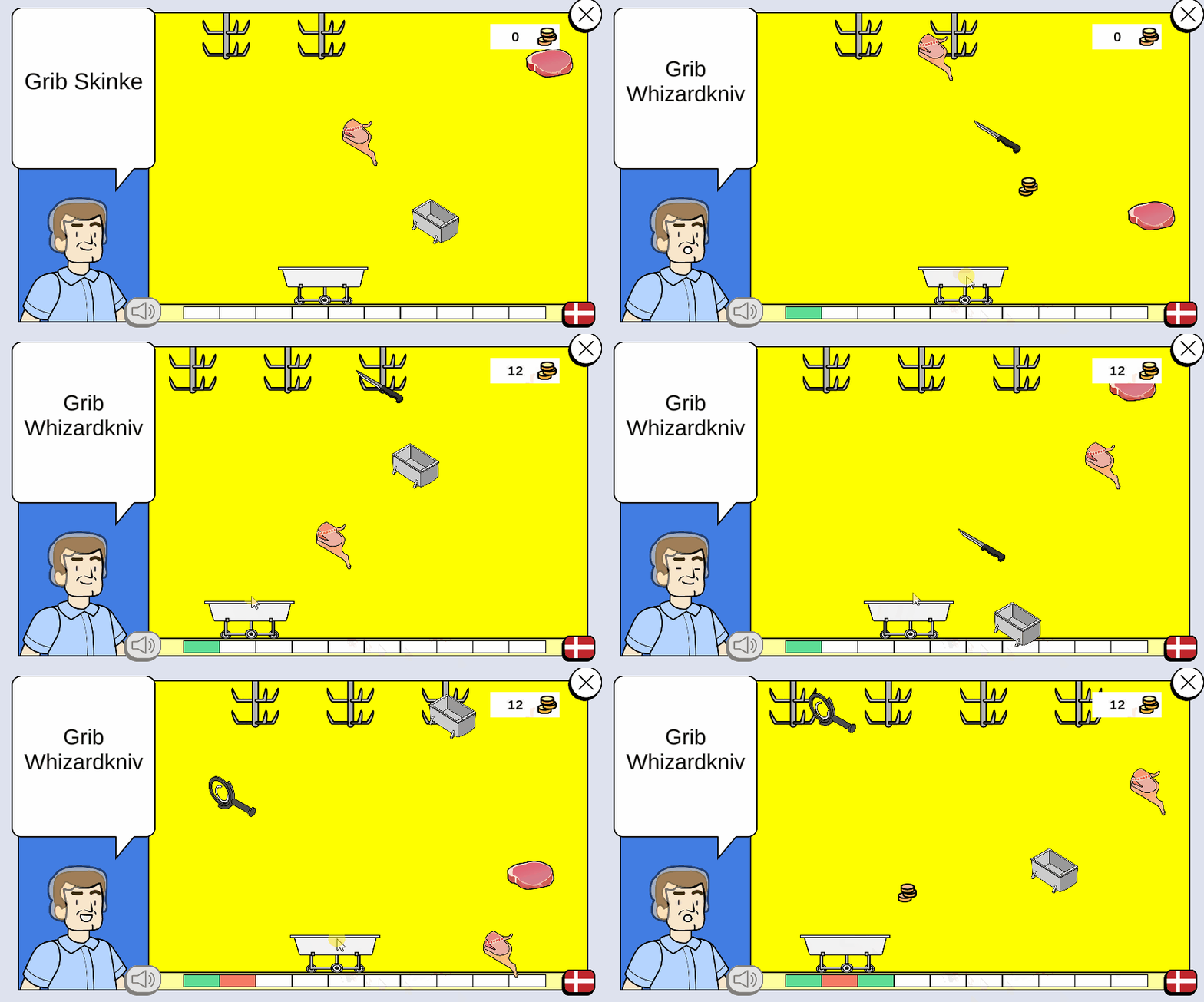
In this minigame, objects fall from the top of the screen, and Mester informs the player which objects should be caught. When the collider of an object touches the collider of the wagon, a comparison is made between the instructed word and the caught object, and the player receives visual and verbal feedback. The player needs to catch 6 correct words out of 8 possible words to continue to the next level. The first level picks 8 random words from a list of ScriptableObjects. The second level picks 3 random words from the first list and 3 random words from a new list, and this process continues until the player reaches level 5, where random words from all the lists are mixed.
Third minigame: Sorting game
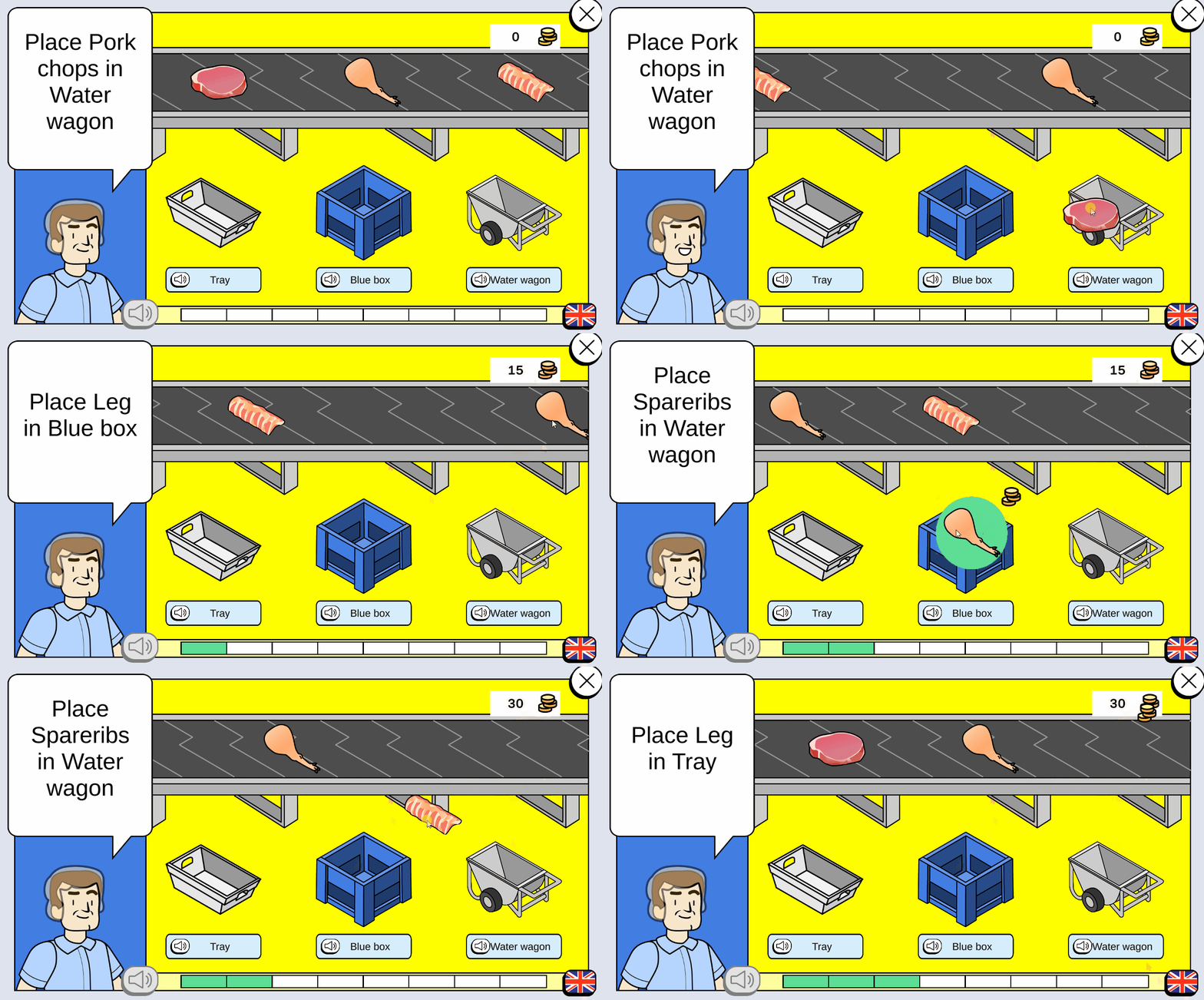
In this game, different objects move on a conveyor belt. Players can then drag and drop the objects onto one of three containers. There will be instructions for both the correct object and the correct container. The object is only compared when the player releases it. To successfully achieve this, I used tags that, when the container and object collide, compare the two to see if they match the instructions. If they do, the tags change to “correct,” and when the object leaves the collider of the container, the tag reverts to a default value. When the player releases the object, the comparison of the tags results in either a correct or incorrect answer. The player then receives visual and verbal feedback depending on the comparison.

Fourth minigame: Match four
In this minigame, you get four words and four images. It is similar to the first minigame, but instead of dragging and dropping onto a picture, the images are separated. You click either a word or an image and then click the opposite one to compare the two items. In the calculation of this comparison, I first check whether the clicked object is a word or an image, and then I cache the answer. When you click a word or an image, you must click the opposite option to compare them. Once both items have been clicked, I then compare the two objects to determine if the answer is correct. The player then receives visual and verbal feedback depending on the result of the comparison.
Additional WorkDPlays game in development: WorkDPlays Rengøring
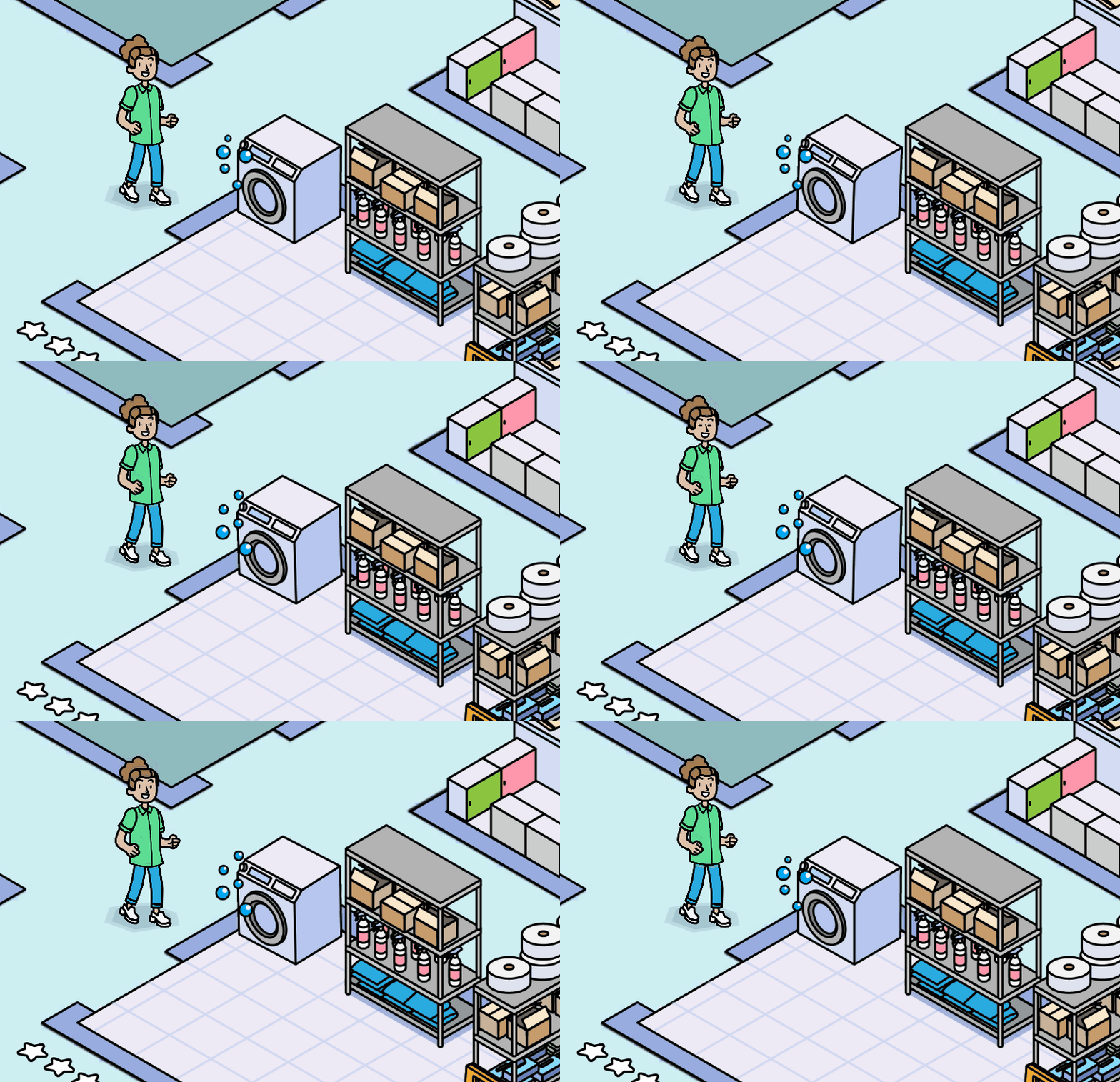
Another game in the series of WorkDPlays games are in development. This is targeting cleaning staff. For this game most of the functionality is reused, but in this game I have made the map animations using Unity’s Animator.
 Amalie Piil Tarding